
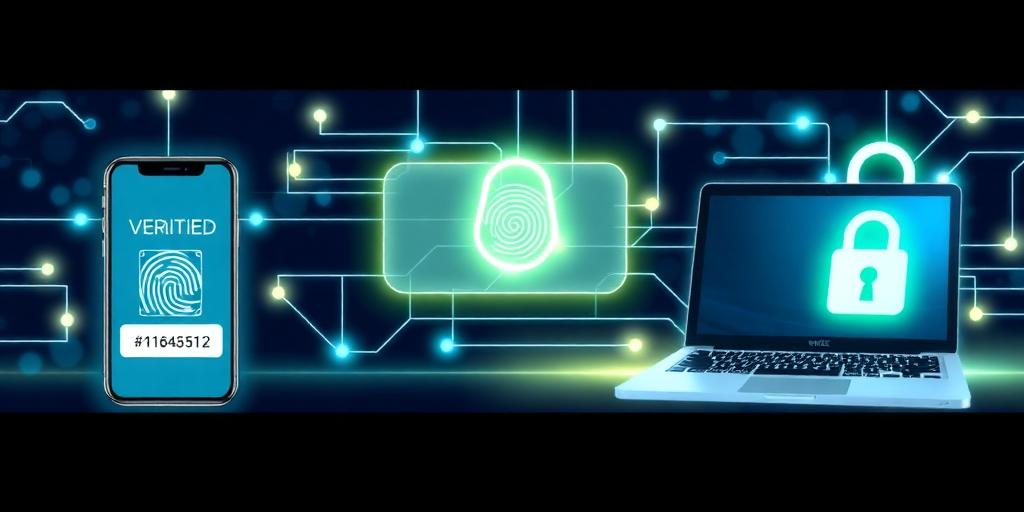
Multi-Factor Authentication (MFA): A Simple Security Fundamental
In today's digital landscape, where cyber threats are increasingly sophisticated, safeguarding your accounts and data is more critical than ever. While strong passwords are a good starting point, they often fall short in protecting against phishing, password breaches, and other malicious attacks. This is where Multi-Factor Authentication (MFA) comes in – a simple yet powerful security fundamental that adds an extra layer of protection to your online accounts.
What is Multi-Factor Authentication (MFA)?
Multi-Factor Authentication (MFA) is a security system that requires more than one method of authentication to verify a user's identity before granting access to an account or system. Instead of relying solely on a username and password, MFA combines two or more verification factors to ensure that only the legitimate user gains entry.
How Does MFA Work?
MFA works by requiring users to provide multiple forms of identification, typically from different categories. These categories include:
- Something You Know: This is your traditional password or PIN.
- Something You Have: This could be a physical device like a security token, a smartphone with an authenticator app, or a one-time code sent via SMS.
- Something You Are: This involves biometric verification, such as fingerprint scanning, facial recognition, or voice identification.
By combining factors from different categories, MFA significantly reduces the risk of unauthorized access. Even if a cybercriminal manages to obtain your password, they would still need access to your other authentication factors to compromise your account.
Benefits of Using MFA
- Enhanced Security: MFA provides a much stronger defense against unauthorized access compared to single-factor authentication.
- Protection Against Phishing: Even if you fall victim to a phishing scam and unknowingly provide your password, MFA can prevent attackers from gaining access to your account.
- Compliance Requirements: Many industries and organizations require MFA to comply with data protection regulations and security standards.
- Peace of Mind: Knowing that your accounts are protected by multiple layers of security can provide greater peace of mind in today's threat landscape.
How to Implement MFA
Implementing MFA is typically a straightforward process. Many online services, applications, and platforms offer MFA as an option. Here's how to get started:
- Check Account Settings: Review the security settings of your online accounts and enable MFA where available.
- Choose Authentication Methods: Select the authentication methods that best suit your needs and preferences. Common options include authenticator apps, SMS codes, and hardware tokens.
- Follow Setup Instructions: Follow the setup instructions provided by the service or platform to configure MFA for your account.
- Keep Recovery Codes Safe: When setting up MFA, make sure to store your recovery codes in a safe place. These codes can be used to regain access to your account if you lose access to your primary authentication method.
Conclusion
In conclusion, Multi-Factor Authentication (MFA) is a simple yet essential security practice that can significantly enhance the protection of your online accounts and data. By requiring multiple forms of authentication, MFA reduces the risk of unauthorized access and provides greater peace of mind in today's digital world. Take the time to enable MFA on your important accounts and take control of your online security.


