
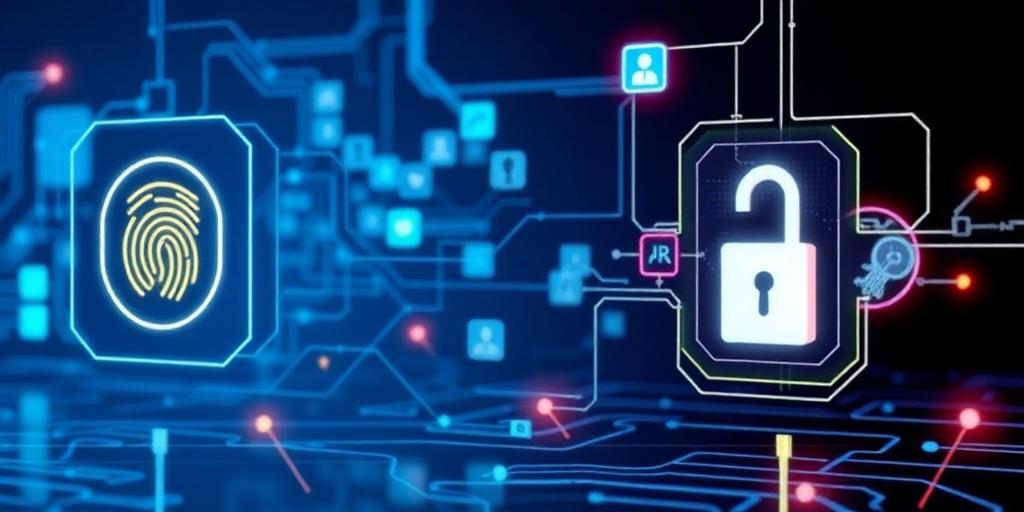
Beyond Passwords: Practical Security Authentication Methods
In today's digital landscape, passwords alone are no longer sufficient to protect sensitive information. The increasing sophistication of cyberattacks necessitates a shift towards more robust authentication methods. This article explores practical alternatives to passwords that enhance security and provide a more seamless user experience.
The Limitations of Passwords
Passwords, despite their widespread use, suffer from inherent weaknesses:
- Memorability vs. Security: Strong passwords, which are difficult to guess, are often hard to remember, leading users to choose weak, easily compromised passwords.
- Phishing Attacks: Users can be tricked into divulging their passwords through phishing scams.
- Password Reuse: The tendency to reuse passwords across multiple accounts increases the risk of widespread compromise if one account is breached.
- Brute-Force Attacks: Attackers can use automated tools to try numerous password combinations until they find the correct one.
Multi-Factor Authentication (MFA)
MFA adds an extra layer of security by requiring users to provide two or more verification factors. These factors typically fall into one of three categories:
- Something you know: Password, PIN.
- Something you have: Smartphone, security token.
- Something you are: Biometric data (fingerprint, facial recognition).
Common MFA methods include:
- One-Time Passcodes (OTP): A unique code sent to a user's phone via SMS or generated by an authenticator app.
- Push Notifications: A notification sent to a user's smartphone, requiring them to approve or deny the login attempt.
- Security Keys: A physical device that plugs into a computer or mobile device and provides cryptographic authentication.
MFA significantly reduces the risk of unauthorized access, even if a password is compromised.
Biometric Authentication
Biometrics use unique biological traits to verify identity. Common biometric methods include:
- Fingerprint Scanning: Uses the unique patterns of a fingerprint for identification.
- Facial Recognition: Analyzes facial features to verify identity.
- Voice Recognition: Identifies users based on their voice patterns.
Biometrics offer a convenient and secure alternative to passwords. However, it's crucial to address concerns about privacy and data security related to the storage and use of biometric data.
Passwordless Authentication
Passwordless authentication eliminates the need for passwords altogether. Methods include:
- Magic Links: A unique link sent to a user's email address that, when clicked, automatically logs them in.
- Passkeys: A cryptographic key pair stored on a user's device (e.g., smartphone, computer) that authenticates them to websites and apps. Passkeys are resistant to phishing and can be used across multiple devices.
- Device-Based Authentication: Using the built-in security features of a device (e.g., Windows Hello, Touch ID) to authenticate users.
Passwordless authentication offers a more secure and user-friendly experience compared to traditional passwords.
Choosing the Right Authentication Method
The best authentication method depends on the specific security requirements and user experience considerations of an organization or application. Factors to consider include:
- Security Sensitivity: The level of security required depends on the sensitivity of the data being protected.
- User Convenience: The authentication method should be easy to use and not create unnecessary friction for users.
- Cost: The cost of implementing and maintaining the authentication method should be considered.
- Compliance Requirements: Some industries or regulations may require specific authentication methods.
Conclusion
Moving beyond passwords is essential to enhance security and protect against evolving cyber threats. By implementing MFA, biometric authentication, or passwordless authentication methods, organizations and individuals can significantly reduce their risk of unauthorized access and data breaches. As technology advances, it is imperative to stay informed and adopt the most effective authentication strategies to safeguard sensitive information.


